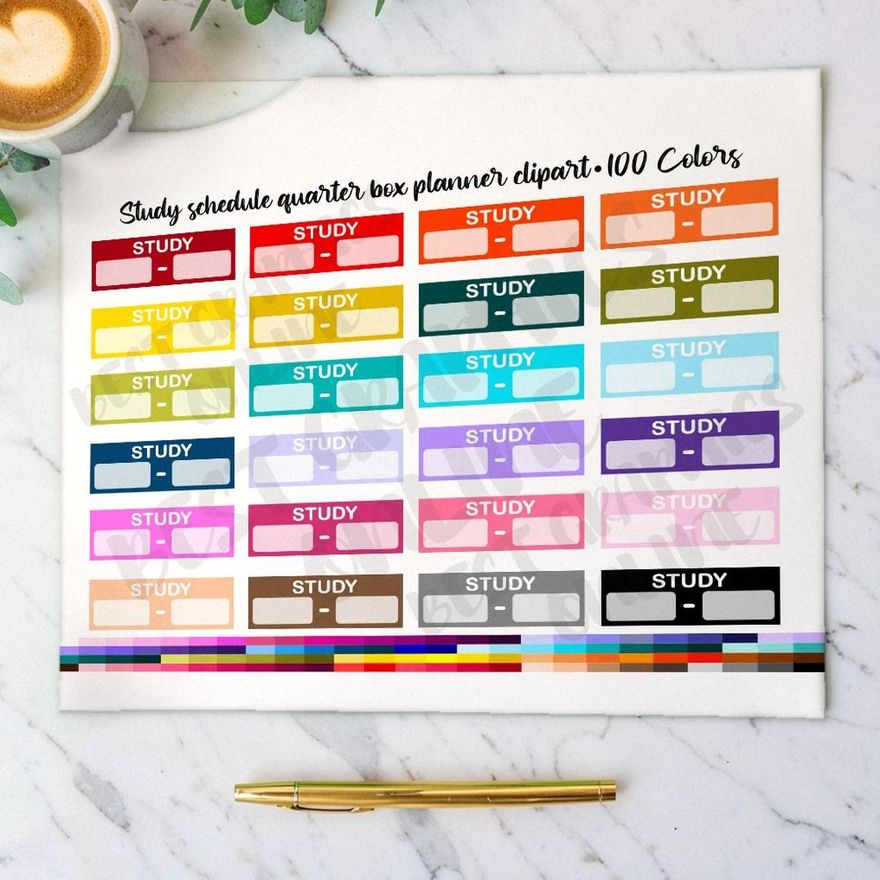
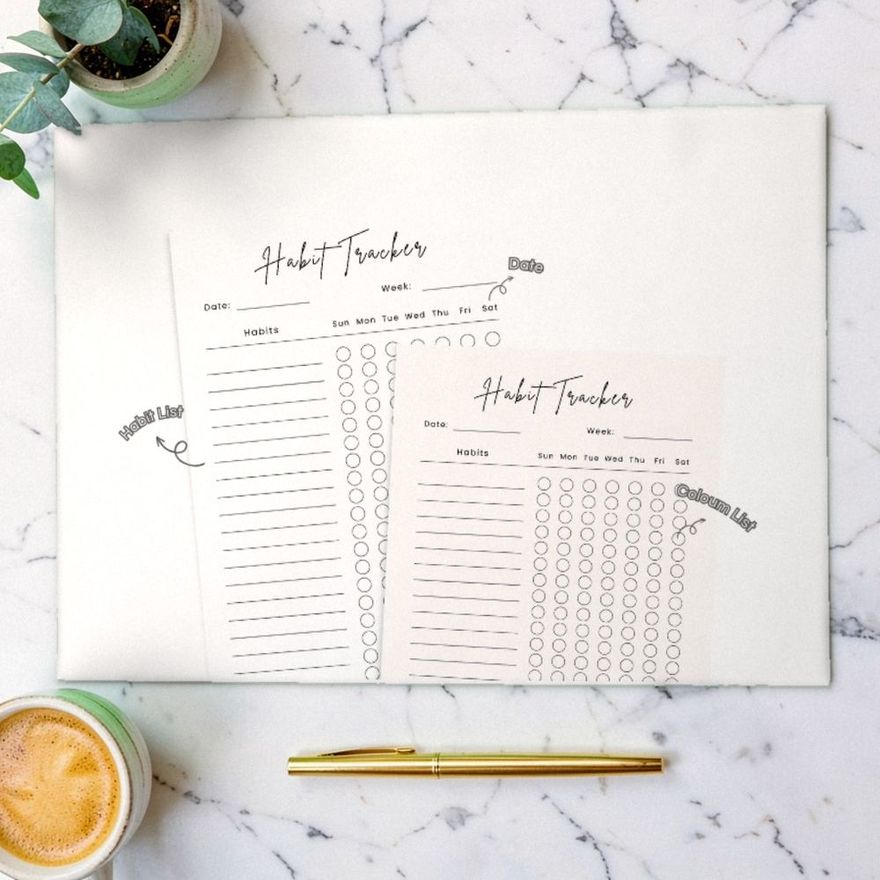
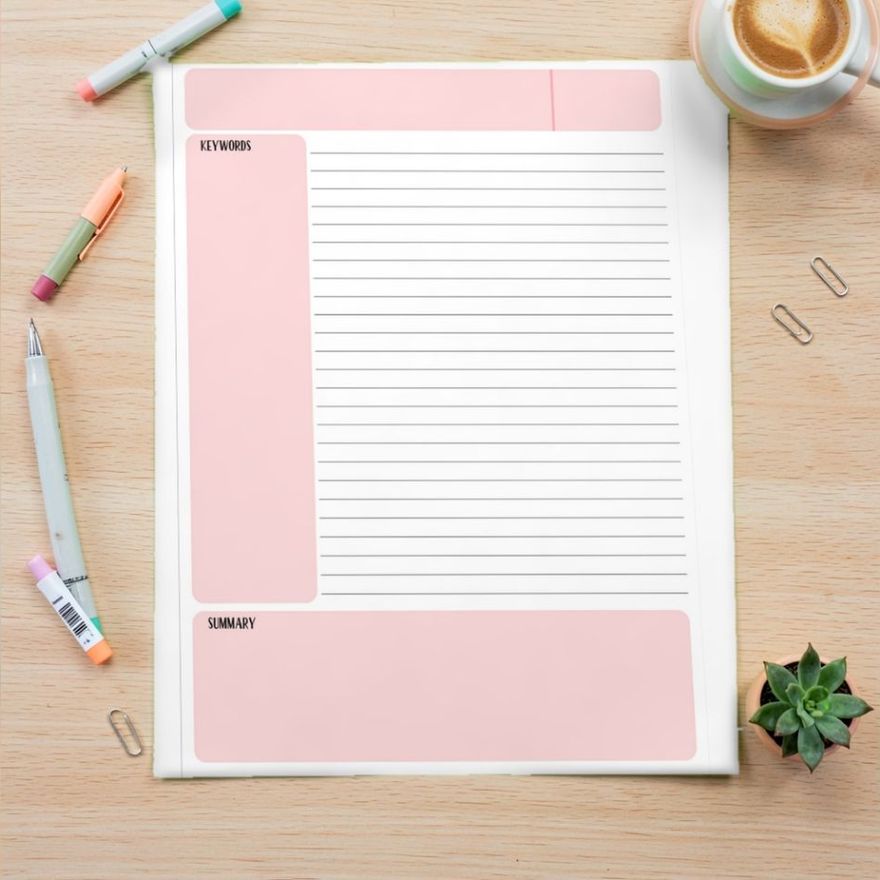
The easiest timetable to read is a plain grid: days across the top, periods or times down the side, one subject per cell, and one color per subject. Each cell needs three things at most, which are the subject, the room and the teacher. Everything else is decoration. Get the grid right first, then decide where it will live, because a timetable inside a binder cover and one on a phone lock screen need different proportions.
Start With a Plain Grid
Put the days in columns and the periods in rows. Reading down a column then shows you one day from start to finish, which is the question you ask most often: what do I have today?
| Period | Time | Mon | Tue | Wed | Thu | Fri |
|---|---|---|---|---|---|---|
| 1 | 8:15–9:05 | English | Math | English | Math | English |
| 2 | 9:10–10:00 | Math | Biology | Math | Biology | Math |
| 3 | 10:05–10:55 | History | Spanish | History | Spanish | History |
| Lunch | 11:00–11:40 | |||||
| 4 | 11:45–12:35 | Biology | English | Biology | English | Art |
| 5 | 12:40–1:30 | Spanish | PE | Spanish | PE | Study hall |
A few details make the grid quicker to read:
- Include the times, not just period numbers. The times are what you need on the first day and after every schedule change.
- Show lunch and breaks as full-width rows. They split the day into visible halves.
- Make all cells the same size. Uneven boxes make the eye hunt.
- Leave empty cells empty. A blank is easier to read than "free" written five times.
If Your Schedule Rotates
Not every school runs the same classes every day.
A/B or block schedules. If you alternate between two sets of classes, make two columns, A day and B day, instead of five weekday columns. Then note which calendar dates are A and which are B somewhere you will see them, such as your planner's month page.
Numbered cycles. If the school runs on a rotation of numbered days that does not line up with the week, label the columns Day 1, Day 2 and so on. A Monday-to-Friday grid would be wrong half the time.
Different bell times on one day. For a late start or an assembly schedule, add a small second time column for that day, or a note under the grid.
The goal is the same in each case: the layout should match how the school really runs, so you never have to work it out in your head in the hallway.
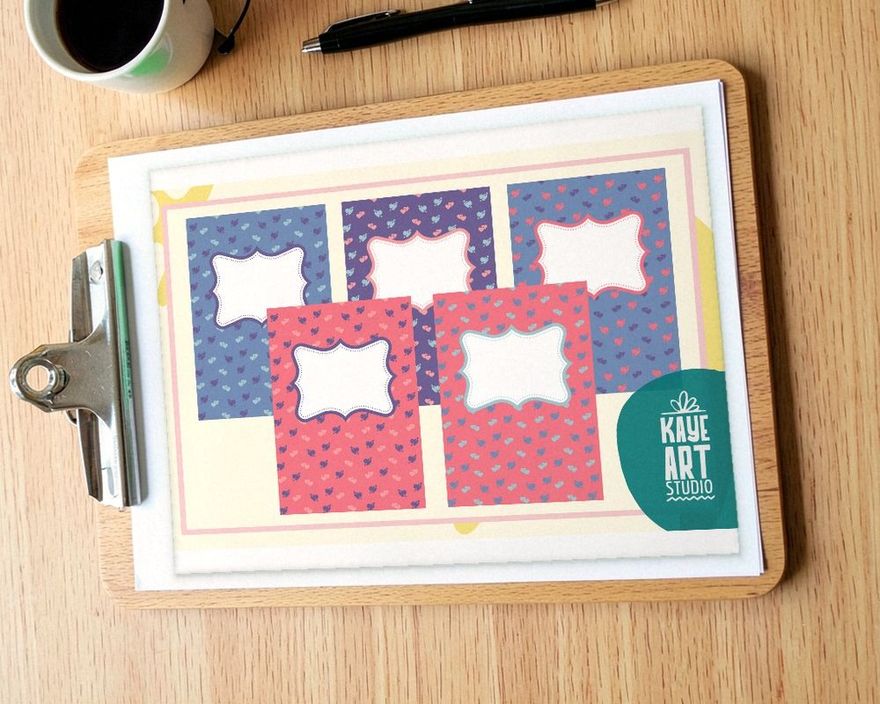
Color by Subject
Color is the fastest way to make a timetable readable. Give each subject one color and fill every cell of that subject with it. After a few days you stop reading the words.
Rules that keep it working:
- Light backgrounds, dark text. Pastel fills with black or dark gray lettering print well and stay readable. Dark fills with dark text do not. If you build the timetable on a screen, the web accessibility guidelines (WCAG) give a number to aim for: a contrast ratio of at least 4.5 to 1 between text and background, or 3 to 1 for large text of 18 point and up.
- Choose colors that are clearly different. Two similar blues for math and science defeat the purpose.
- Do not rely on color alone. Always keep the subject name in the cell. The National Eye Institute puts color vision deficiency at about 1 in 12 men, and its most common type makes red and green hard to tell apart. A black-and-white printout loses the colors entirely.
- Reuse the same colors everywhere. The math binder, the math folder and the math entries in your planner should match the math cells.
If you want pages with a color theme already chosen, these schedule pages come in three palettes.
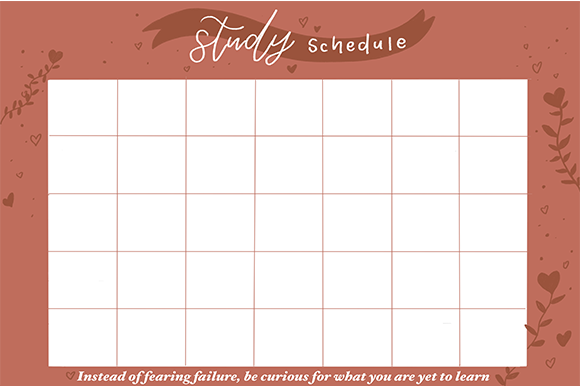
Pink Study Schedule
See the listing ↗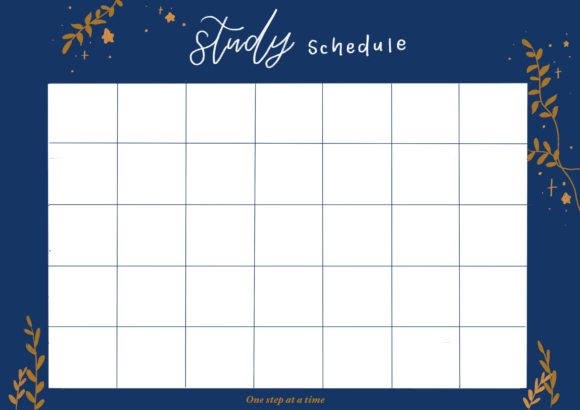
Blue Study Schedule
See the listing ↗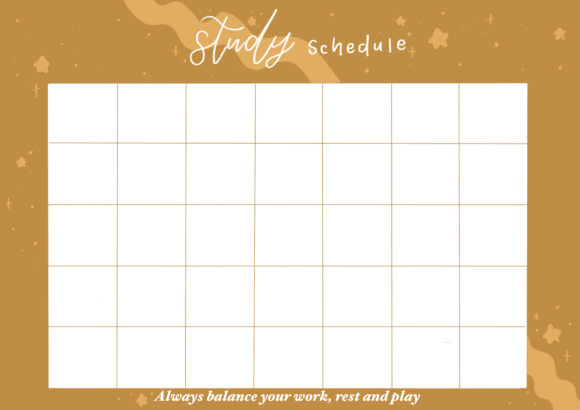
Study Schedule Gold
See the listing ↗From the collection Study Planner & Timetable. New Creative Fabrica members get 10 free downloads, and any of these can be one of them.
What Goes in Each Cell
Three lines is the limit for a cell that has to be read at a glance:
- Subject, in the largest or boldest type.
- Room, as a number or short code.
- Teacher, by last name.
Rooms matter most in the first weeks and in a large building. Once you know them by heart, a second version without rooms and teachers is cleaner. Many students make a detailed timetable for September and a simpler one later.
Shorten long names so they stay on one line: "Chem" for chemistry, "US Hist" for United States history. Use a plain typeface. Decorative script is hard to read at small sizes, and a timetable is always read at small sizes.
Add After-School Hours
A school timetable that stops at the last bell shows only half of your week. Add a section below the grid, separated by a thicker line, for what happens afterward:
- practice, rehearsals and club meetings, with their end times
- a job or regular family commitments
- travel time, if it is more than a few minutes
With those rows filled in, the remaining blank cells are your real homework time, and you can see at once that Tuesday has almost none. That picture is the starting point for making a study schedule, where the open cells become study blocks.
A weekly layout that runs into the evening has room for both parts.
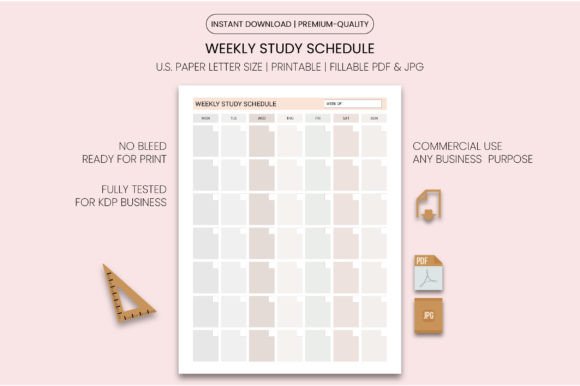
Weekly Study Schedule Template
See the listing ↗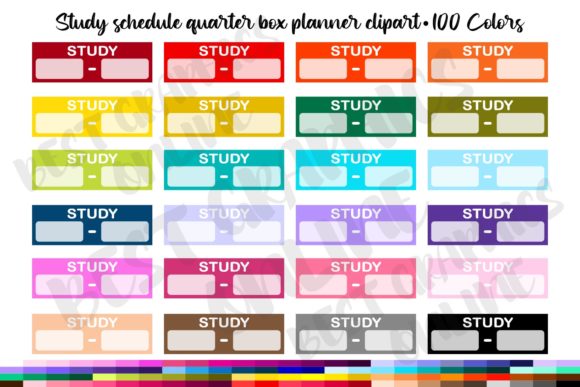
100 Study Schedule Quarter Box Planner
See the listing ↗
Study Planner Printable
See the listing ↗From the collection Study Planner & Timetable. New Creative Fabrica members get 10 free downloads, and any of these can be one of them.
College Timetables Work by the Clock
College classes do not fit periods. One meets for fifty minutes three times a week, another for three hours on a single evening. Credits tell you the rest of the load: the federal definition of a credit hour is one hour of instruction a week plus at least two hours of work outside class, so the classes on your timetable are only about a third of a course's weekly time.
Use time for the rows, in half-hour steps from your earliest class to your latest, and let each class span as many rows as it lasts. The blocks then show true length, and the gaps between them show true length as well. A two-hour gap on a Tuesday morning is easy to miss in a list of classes and obvious on a grid.
Put the building as well as the room in each block, and note any class that is online. If two classes are back to back on opposite sides of campus, you want to know that before the first day.
Print It for a Binder Cover
A timetable you see every time you pick up your binder never needs to be looked up. Binders with a clear pocket on the front are made for this.
- Print on US letter paper, 8½ × 11 inches (216 × 279 mm), the sheet a standard US three-ring binder is built around. For an A4 binder, print on A4 (210 × 297 mm) instead; the two sizes are close but not the same, so use "fit to page" if the file was made for the other one.
- A five-day grid usually fits best in landscape orientation. If you want a title and a decorative border, portrait with the grid in the lower two thirds works as well.
- Keep the type large enough to read at arm's length. If you have to squint at the printout, cut words instead of shrinking the font.
- Print a second copy for the inside of your locker door or the wall above your desk.
You can also slide the timetable behind a decorated cover page, or use the cover for the subject name and tuck the timetable into the inside pocket.

Editable Binder Cover Printable
See the listing ↗
Winter Blue Binder Cover Set Editable
See the listing ↗
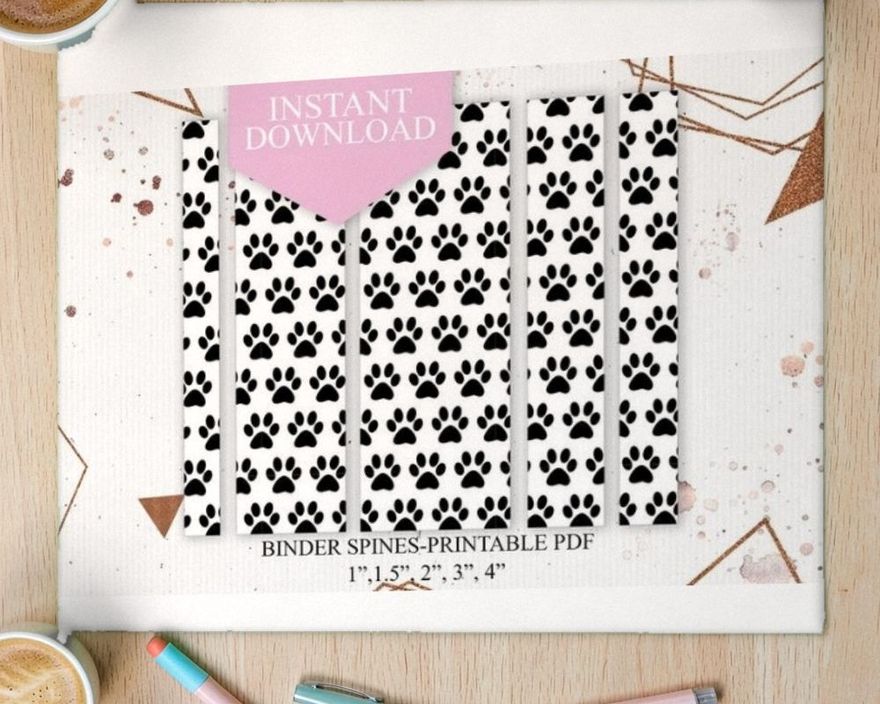
Assorted Binder Cover & Spines
See the listing ↗From the collection Binder Covers & Cover Pages. New Creative Fabrica members get 10 free downloads, and any of these can be one of them.
Make a Phone Wallpaper Version
A lock-screen timetable is the one you will check most, since the phone is already in your hand.
Phone screens are tall and narrow, and the clock and other controls cover part of the lock screen. So:
- Take a screenshot of your lock screen and use its dimensions as the canvas size in whatever design tool you like. That gives you the right proportions for your exact phone.
- Keep the grid in the middle of the canvas, clear of the clock near the top and any buttons along the bottom.
- Simplify. Use subject names or abbreviations only, with color doing most of the work. Room numbers can stay if there is space.
- Save it as an image, set it as the lock screen, and check that nothing important is hidden. Adjust and repeat.
If five days will not fit legibly, make the wallpaper show only the grid and drop the times column. You know when school starts; what you forget is which class comes next.
Keeping the Printed Copy in Good Shape
A timetable gets handled every day for months, so the paper copy lasts longer behind plastic.
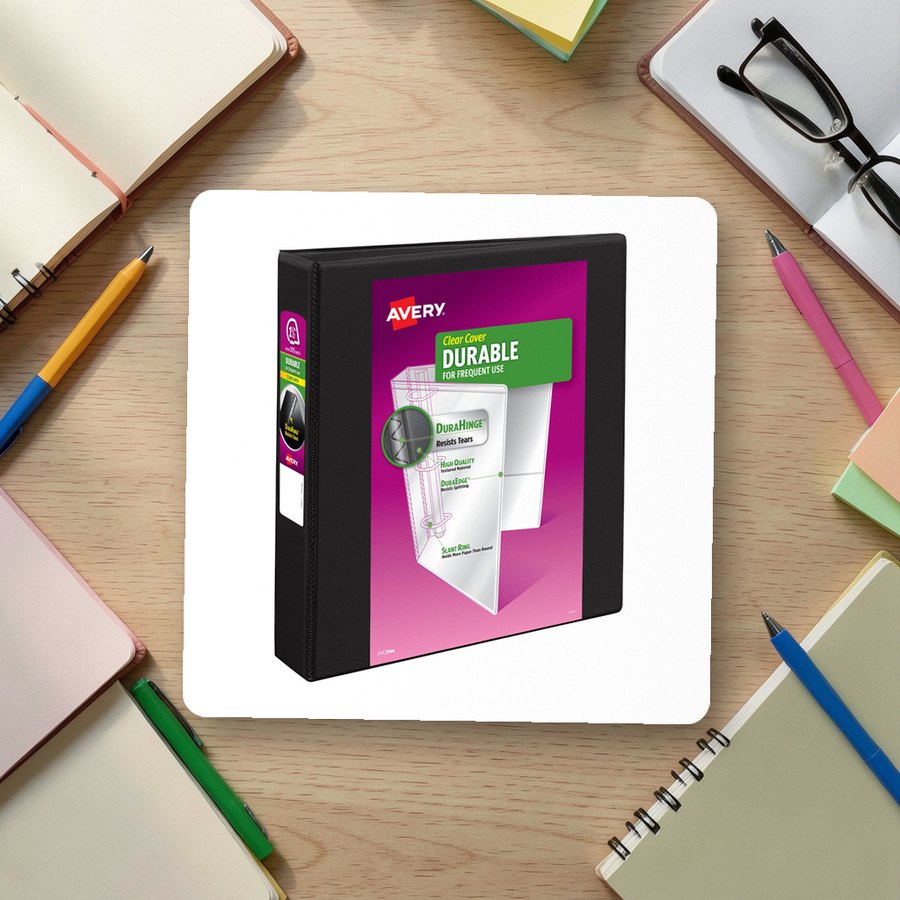 Clear-cover binder, 1.5 inch ringsAverySee it on Amazon
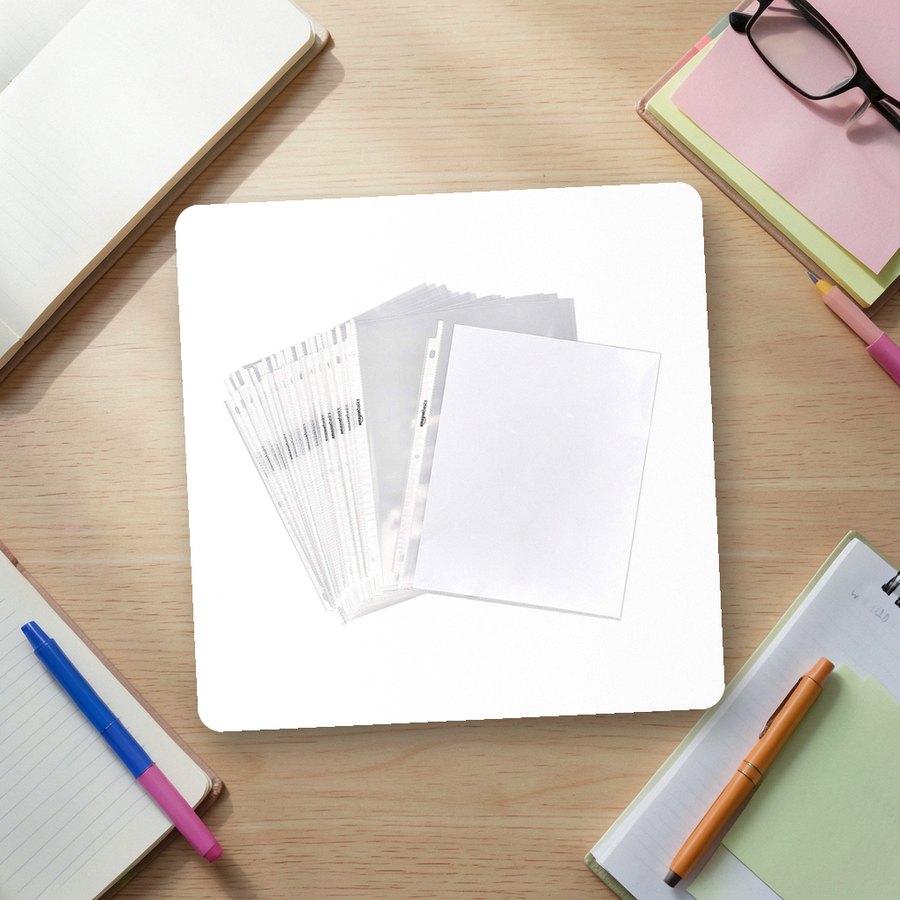 Clear sheet protectors, letter sizeAmazon BasicsSee it on Amazon
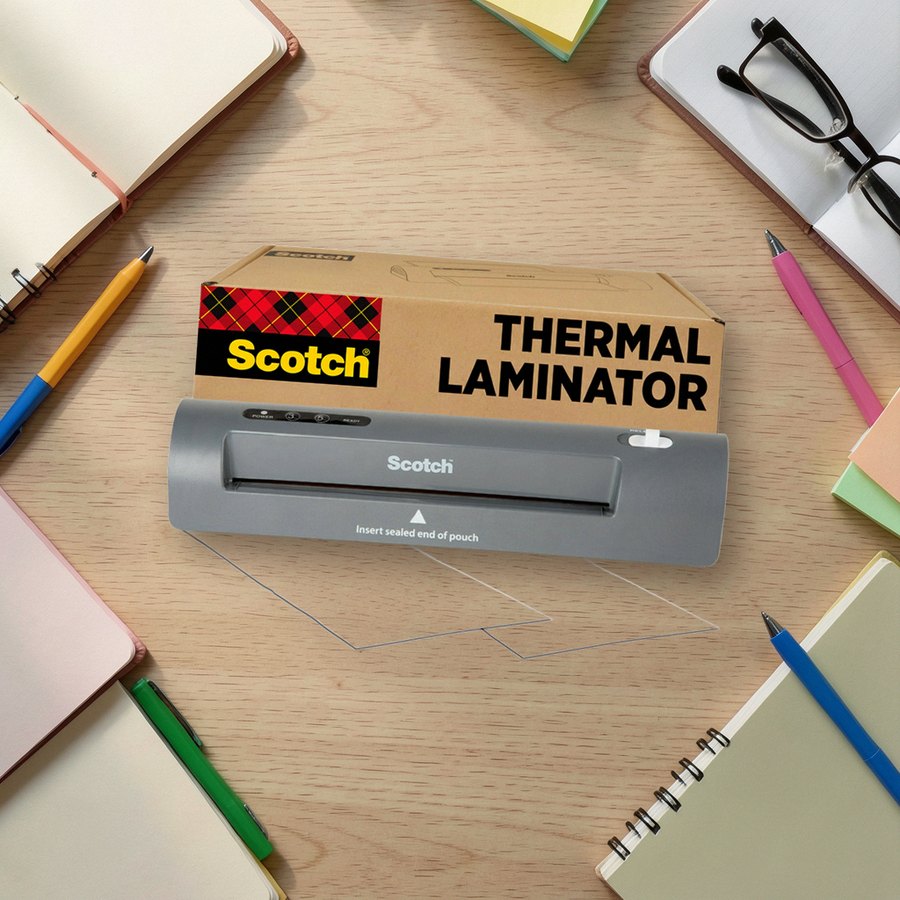 Thermal laminator for letter-size pagesScotchSee it on Amazon
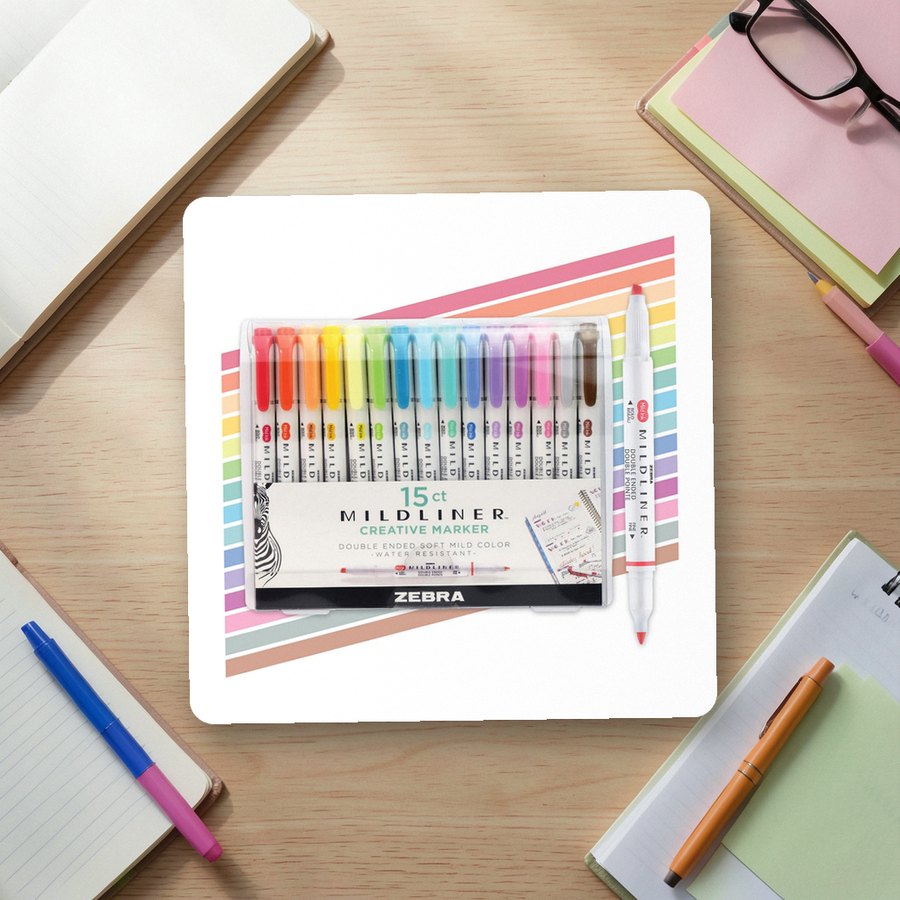 Dual-tip highlighters for coloring a printed gridZebra PenSee it on Amazon
As an Amazon Associate we earn from qualifying purchases.
Put It Where You Will See It
Make the grid, color it, and place it in three spots: the binder cover, the phone, and the wall at home where you pack your bag. The night-before bag check in our back to school organization checklist depends on having it there.
Once the timetable is settled, copy the same colors into your planner; how to use a study planner explains how the weekly view builds on it. For more covers to pair it with, see the binder covers collection.
Templates for This Topic
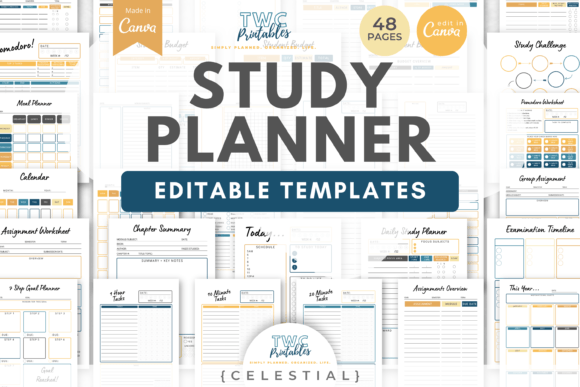 Study Planner & Timetable15 hand-picked · open the collection →Binder Covers & Cover Pages13 hand-picked · open the collection →